Getting to know the multimeter
12 minutes · Beginner
Simulations and quizzes aren't read aloud; pause when you reach them and try them out.
A multimeter is an electronics technician's eyes and ears. It measures voltage, current and resistance. It also tells you whether a wire is broken or a diode is good. Even a cheap multimeter saves you hours when repairing and building projects. In this course you'll learn to use it correctly and safely.
📷 Real-world view
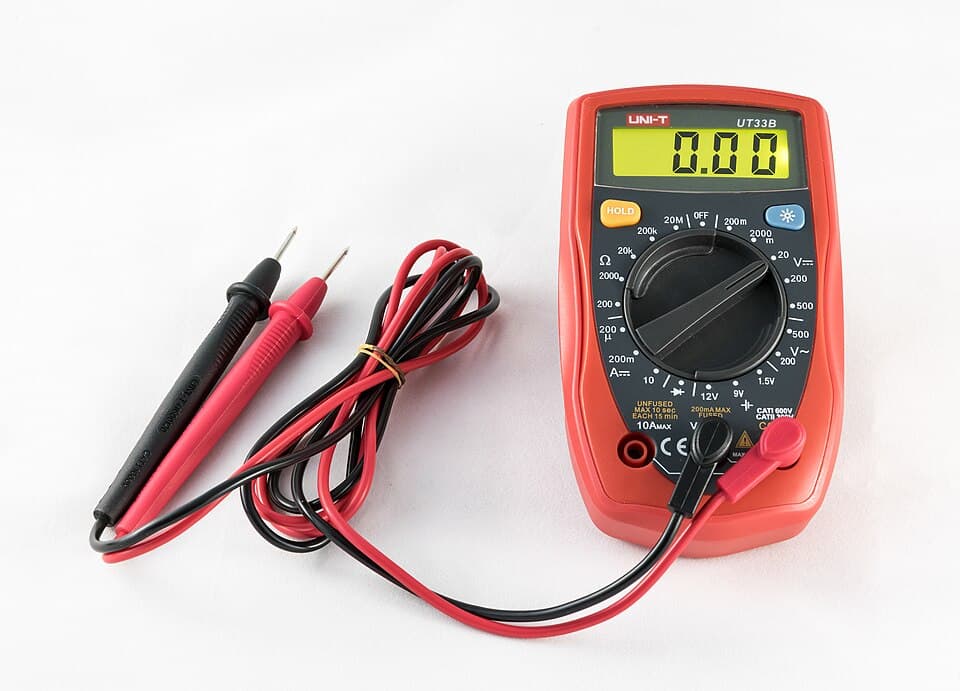
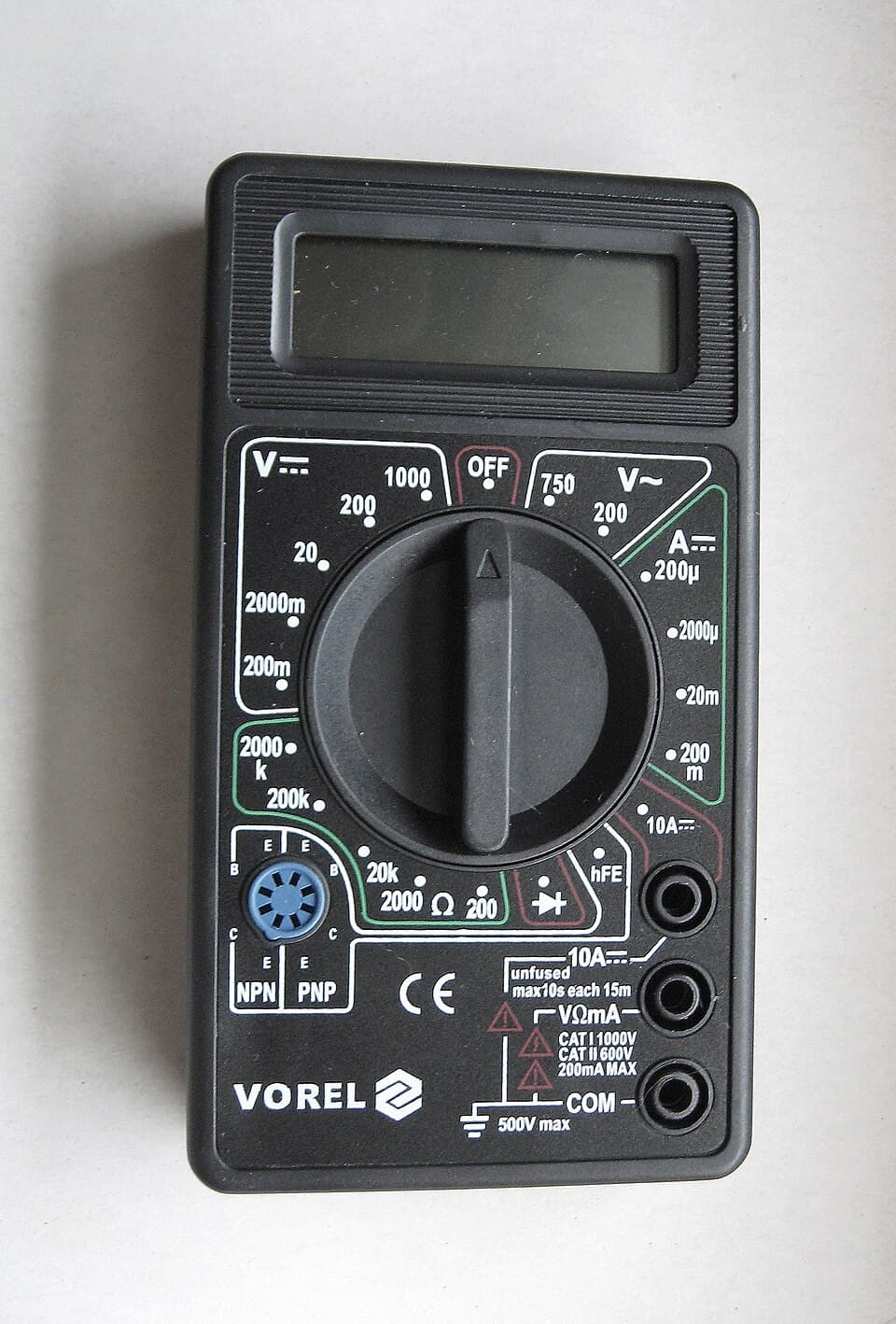
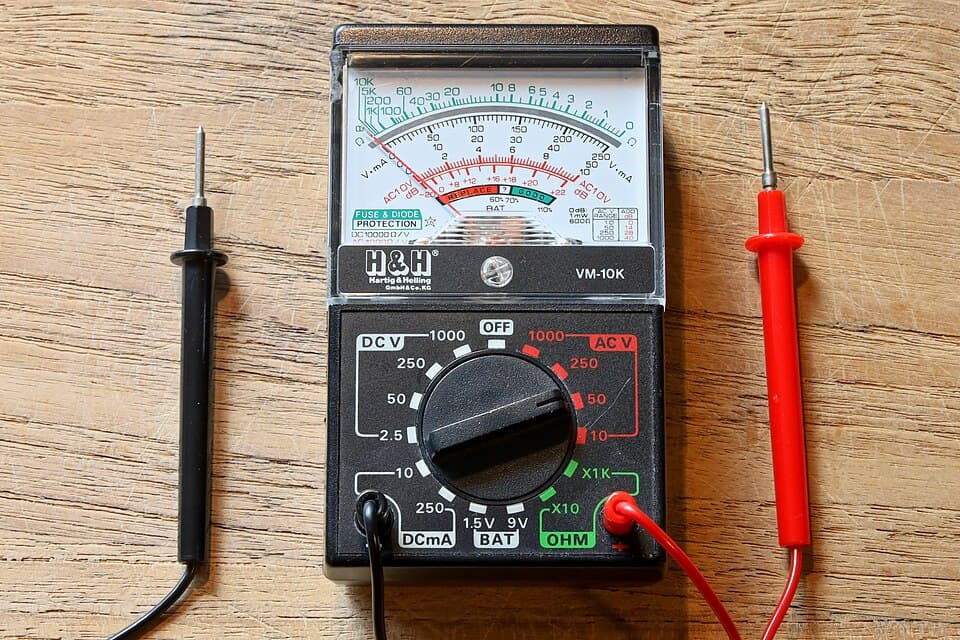
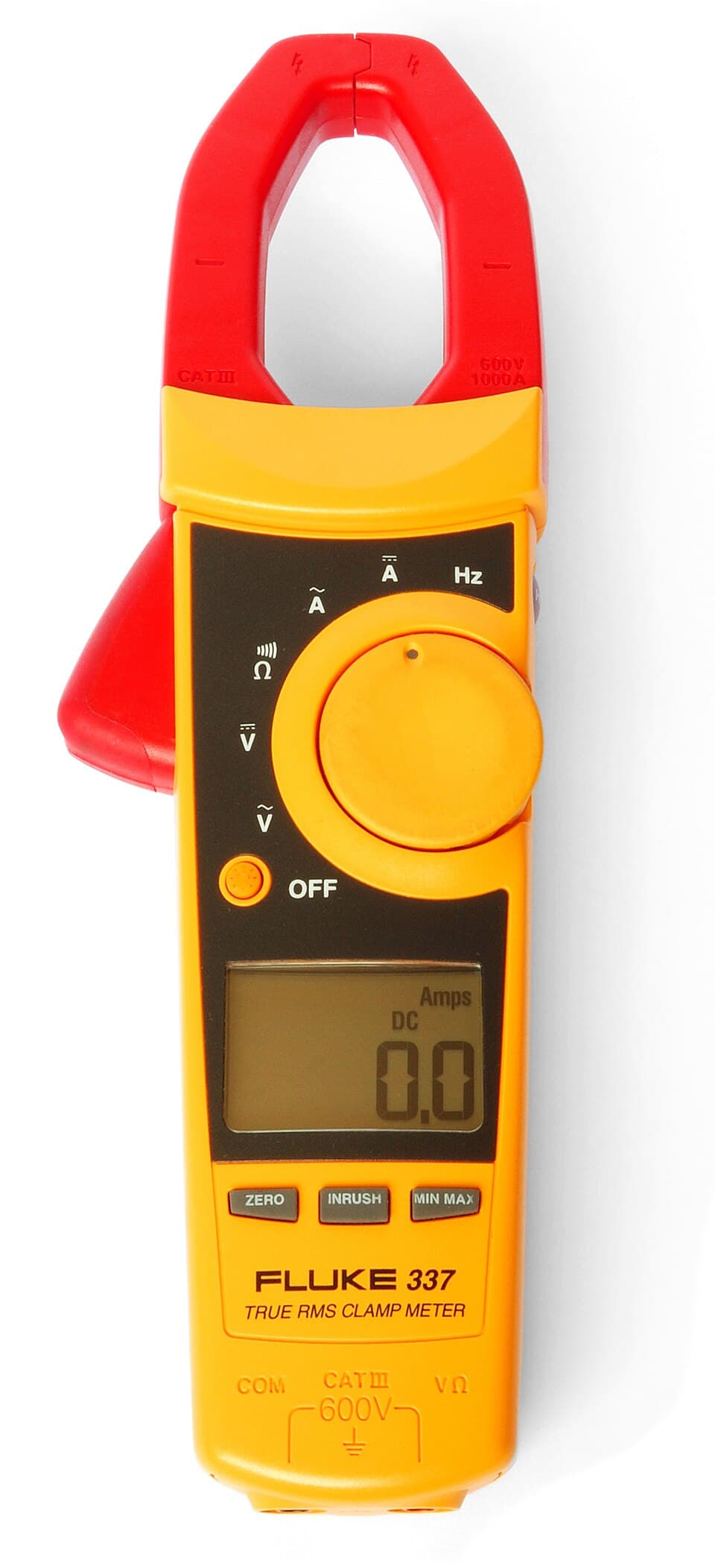
Parts of a multimeter
Display
Shows the measured value. If only '1' (or 'OL') appears, the value is beyond the selected range.
Dial (rotary switch)
Selects what to measure and in which range. It also turns the meter on and off.
COM jack
The black probe always goes here. 'Common', the shared terminal.
VΩmA jack
The red probe goes here for voltage, resistance, diode and small current (mA) measurements.
10A jack
The red probe goes here only when measuring large currents (amps). Move it back as soon as you're done!
Probes
The leads with red (+) and black (−) tips.
Symbols on the dial
| Symbol | What it measures |
|---|---|
| V⎓ (or DCV) | DC voltage: batteries, adapter outputs, voltages in a circuit |
| V~ (or ACV) | AC voltage: transformer output, mains |
| A⎓ (or DCA) | DC current |
| Ω | Resistance |
| ⏵| and 🔊 | Diode test and continuity (beep) |
Choosing the range
The cheap multimeters most common in schools and workshops (for example the DT830 series) are manual-ranging. The numbers on the dial show the largest value that range can measure. For example, the V⎓ 20 range measures up to 19.99 V.
- Choose the smallest range that is larger than the value you'll measure. That gives the most precise reading.
- If you don't know the value, start at the highest range and work your way down.
- If only "1" appears on the display, the value is over the range. Go up a range.
More expensive auto-ranging multimeters pick the right range themselves. You only choose the type of measurement (V, A, Ω).
Try it yourself
The meter starts switched off. Turn the dial and measure the 9 V battery on different ranges. Find the ranges where you see "1" and where you get the most precise reading.
Click a value on the dial to select a range. Click the 10A or VΩmA jack to move the red probe.
Safety: CAT ratings
Multimeters carry a marking such as CAT II 600V. It shows the environments in which the meter can be used safely. Any multimeter is fine for low-voltage electronic circuits. For measuring mains, you need at least CAT II, preferably CAT III, and sound probes.
No mains measurements in this course
Measuring at sockets and fuse boxes takes experience and carries a risk to life. Throughout this course we'll only work with batteries, adapter outputs and low-voltage circuits.When buying a multimeter
- To start with, any digital multimeter with a continuity test (beep) is enough.
- Later on, auto-ranging, capacitance measurement and "True RMS" make life easier.
- Make sure its battery and fuse are easy to replace. The rating of the internal fuse is given in the manual.
Common mistakes
- Leaving the red probe in the 10A jack and measuring voltage. It shorts the source (try it in the simulator!).
- Not switching the meter off after measuring. The battery runs down.
- Thinking a '1' on the display means 1 volt. A lone '1' means the range has been exceeded.
Test yourself
1. Which jack does the black probe go in?
2. Which range is best for measuring a 12 V adapter?
3. What does it mean if only '1' appears on the display?
4. If you don't know the value to be measured, which range should you start with?
This was the free first lesson of the course
The remaining 3 lessons of Multimeters and Measuring Instruments, with their simulations and quizzes, unlock when you buy the course.
See the full course →